|
Editing Account Settings |


|
|
Editing Account Settings |
|
The Account Settings Module allows you to modify some basic information about your account.
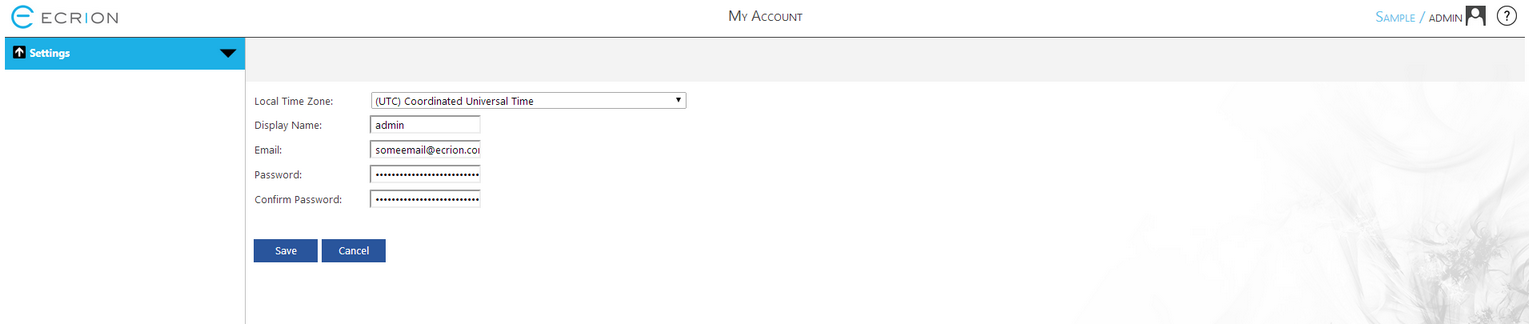
Figure 1: Edit account settings in the Account Settings Module.
Usage
In this Module you can change your account settings as follows.
| • | Local Time Zone - Select your local time zone using the drop down menu. |
| • | Display Name - Change the name displayed by Ecrion Omni System when you are logged in. |
| • | Email - Change your email address. |
| • | Password - Modify and confirm your Ecrion Omni System password. |
When are finished making your necessary changes, select Save.