|
The Page Layout Tab |


|
|
The Page Layout Tab |
|
The Page Layout tab is used for adding modifications to the page settings and layout.

This tab contains the following groups:
| ► | Pages |
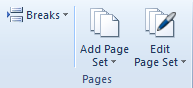
This group contains options like adding page sets and breaks.
| ► | Layouts |
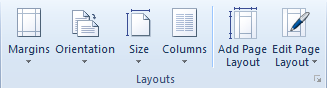
This group offers the possibility of modifying the page margins, size, its orientation and number of columns. Also, page layouts can be edited or created.
| ► | Paragraph |
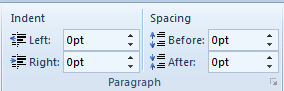
This group in the Page Layout tab helps the user to modify the paragraph in the context of the page layout, meaning its Indentation parameters and the spacing between the current and the next/previous paragraphs.
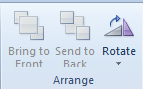
| ► | Arrange |
This group provides buttons used for manipulation of inserted objects in the document. Thus it is useful when trying to arrange objects so that some of them are in front of/behind others. Also it contains the option to rotate objects.
| ► | Printing |
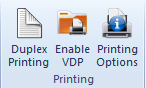
This group contains buttons used for setting printing options, duplex printing and for enabling Variable Data Printing (VDP).